 Truck Dash
Press kit
Everything you need to write about Truck Dash or make a video of it. The texts, screenshots and logos on this page are free to use, with no need to ask first. A link to trucksim-dash.com is appreciated.
Try it in ten seconds
Both screens run with a simulated truck in any browser, with nothing to install and no game needed. Good for a first look, and for recording clean footage.
Fact sheet
| Name | Truck Dash (two words) |
|---|---|
| What it is | A second-screen GPS, dashboard and button box for Euro Truck Simulator 2 and American Truck Simulator |
| Developer | Nethercap, independent |
| First release | August 2026, updated every week or two |
| Price | Free. No ads, no paid tier, no routing limits. Donations are optional and unlock nothing. |
| License | Open source (MIT). Client, server and web app in one public repository |
| How it works | A small portable Windows program reads the game's official telemetry SDK. The map and dashboard are a web page, opened on any phone, tablet or monitor. |
| Platforms | Windows 10 and 11. Linux through Proton. The dashboard runs in any modern browser, and the phone can be on mobile data. |
| Languages | English, Spanish, German, French, Portuguese, Polish, Turkish and Russian |
| Account | Optional, only for keeping your trips and stats. Everything else works without one. |
| Map credits | Coast to Coast map data used with the permission of its author, Homburg. |
| Safety | Read-only, no administrator rights, never touches saves or profiles. Runs next to Trucky and other telemetry tools. |
| Links | Website · User guide · Download · Changelog · Discord · Video (1 min) · Steam guides: ETS2, ATS |
Key features
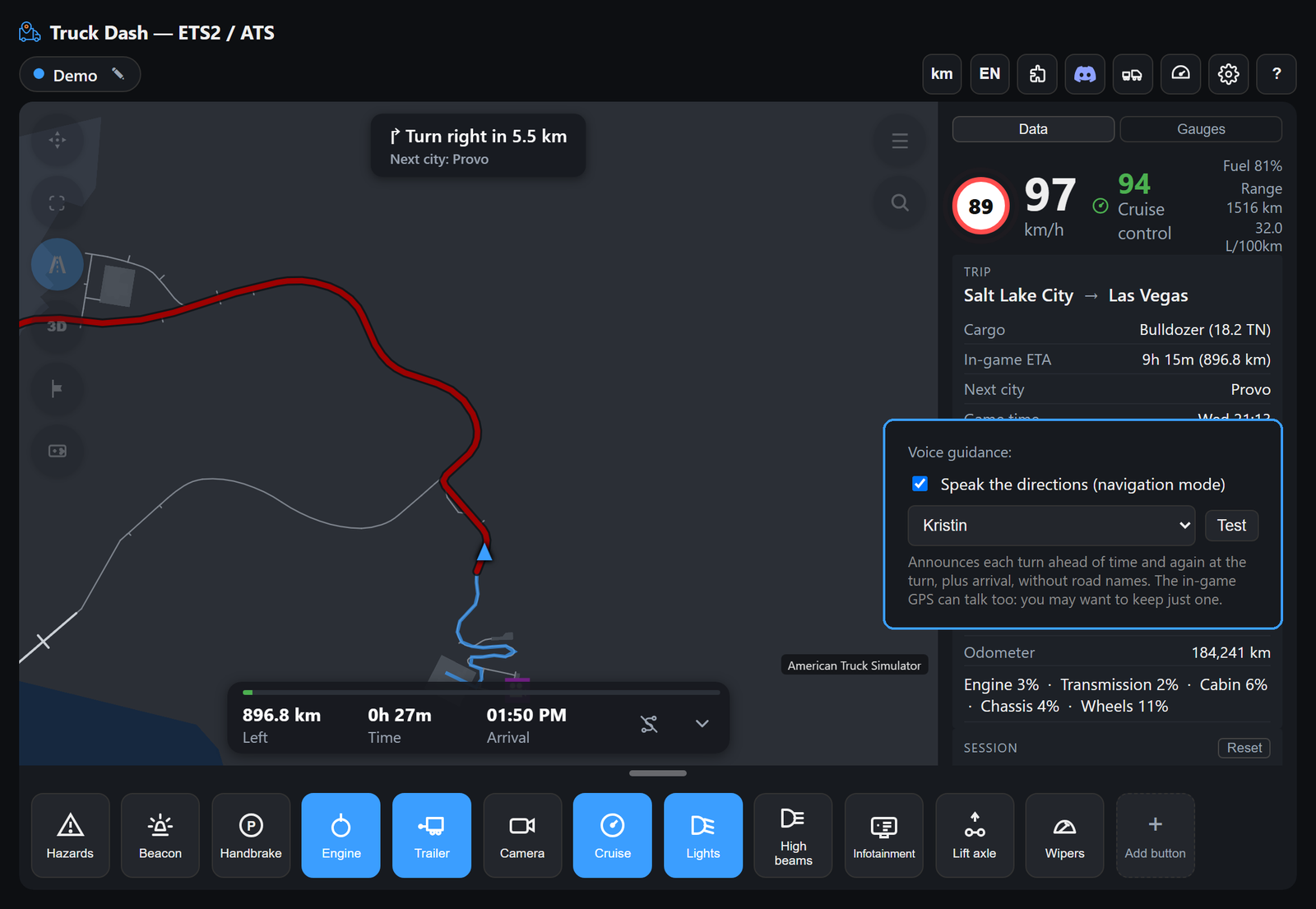
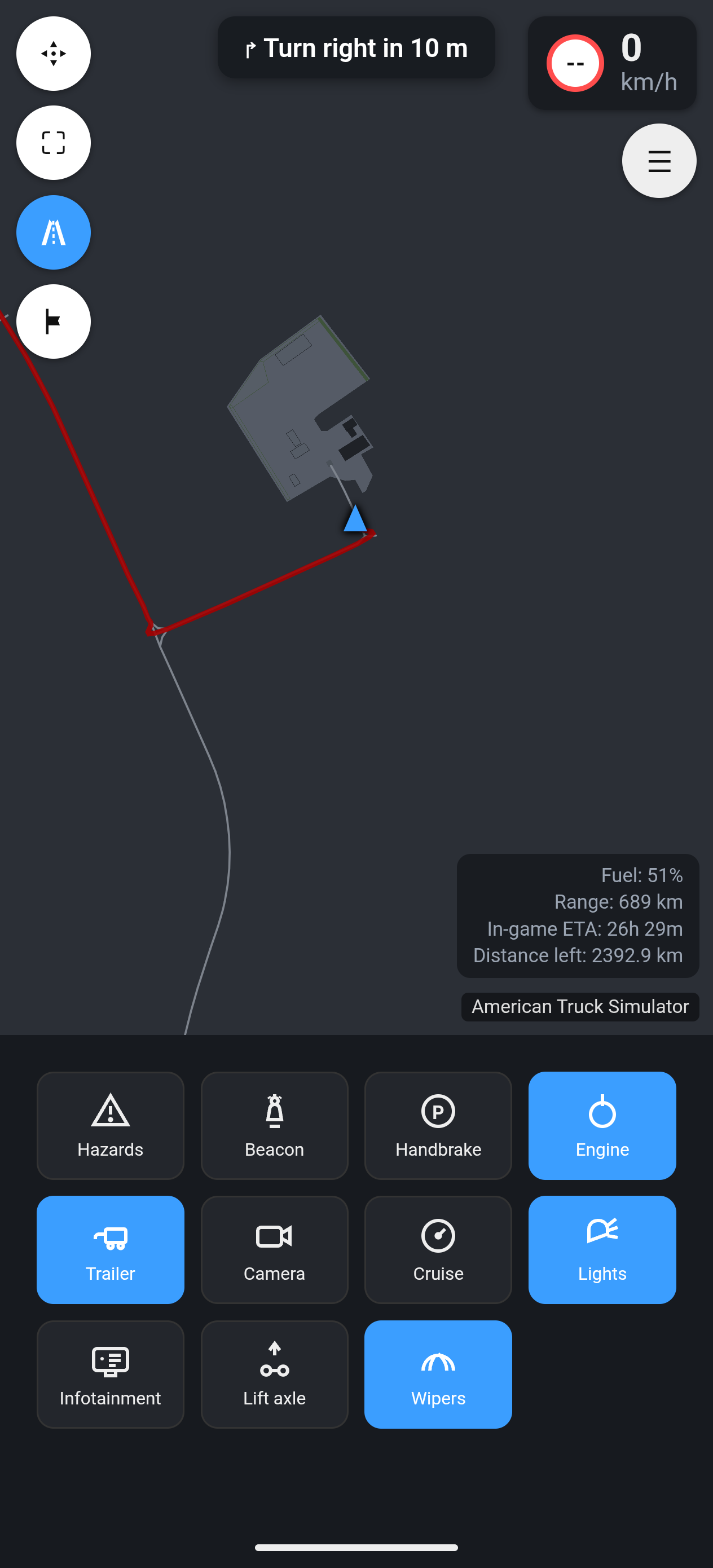
- Real map, real routes. The actual road network of both games, with routes calculated over real roads and a heading-up GPS mode with turn-by-turn directions.
- Routes for the DLCs you own. Pick which map DLCs you have and routes go around the countries and states you don't.
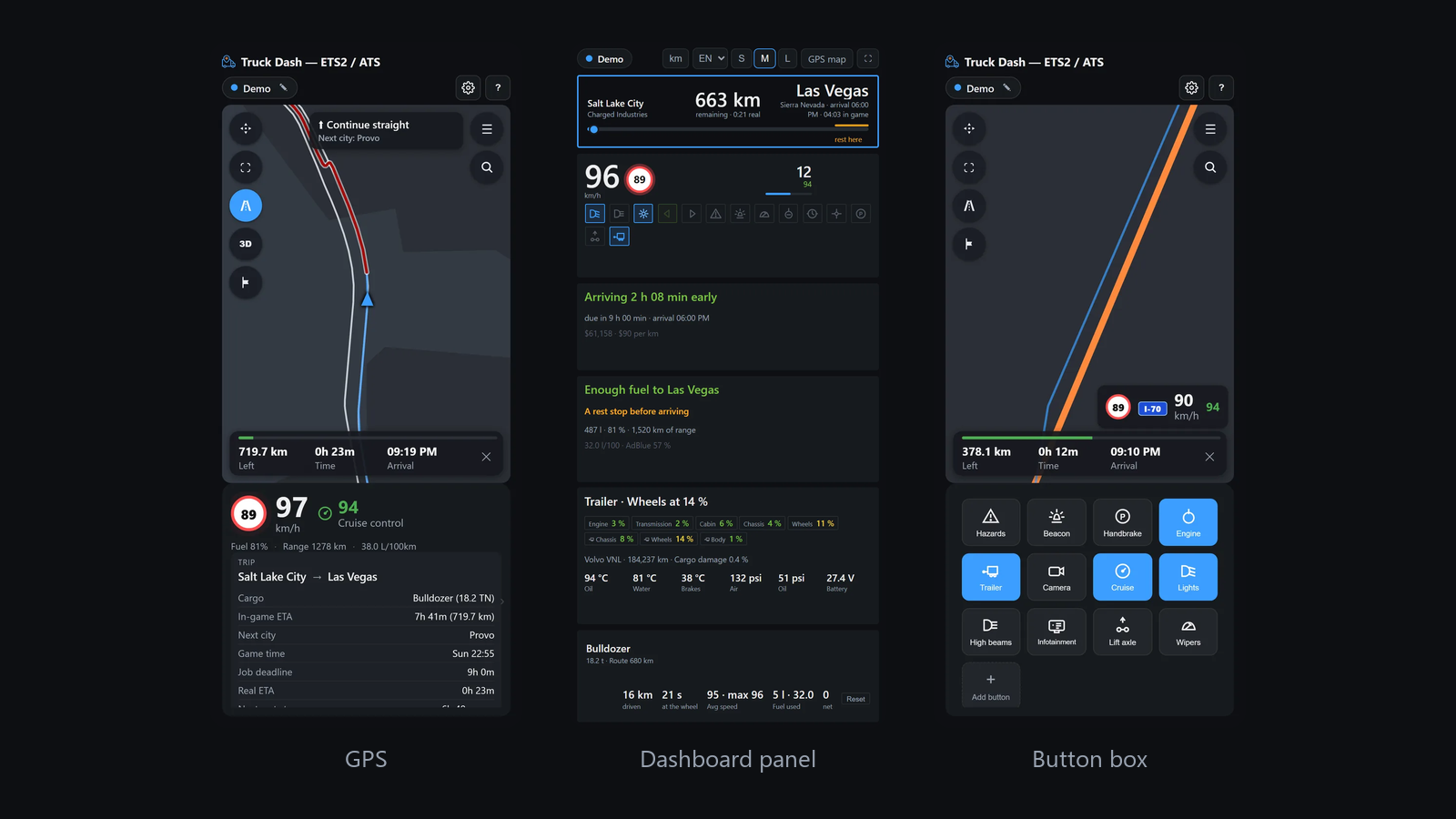
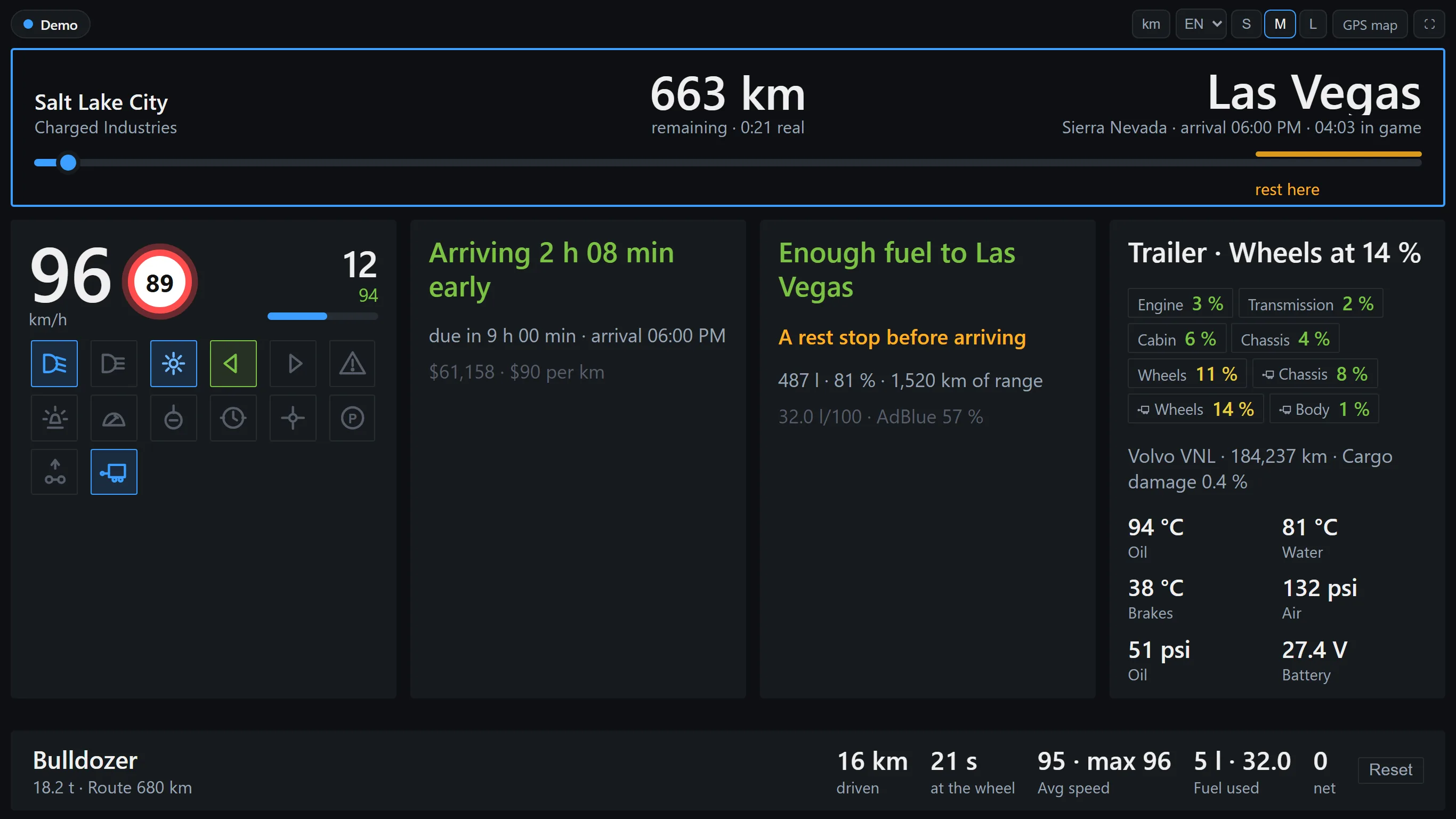
- A full dashboard on a second screen. Speed, fuel, rest, wear and the whole trip on one panel, and it works out whether you arrive before the deadline and whether the fuel lasts.
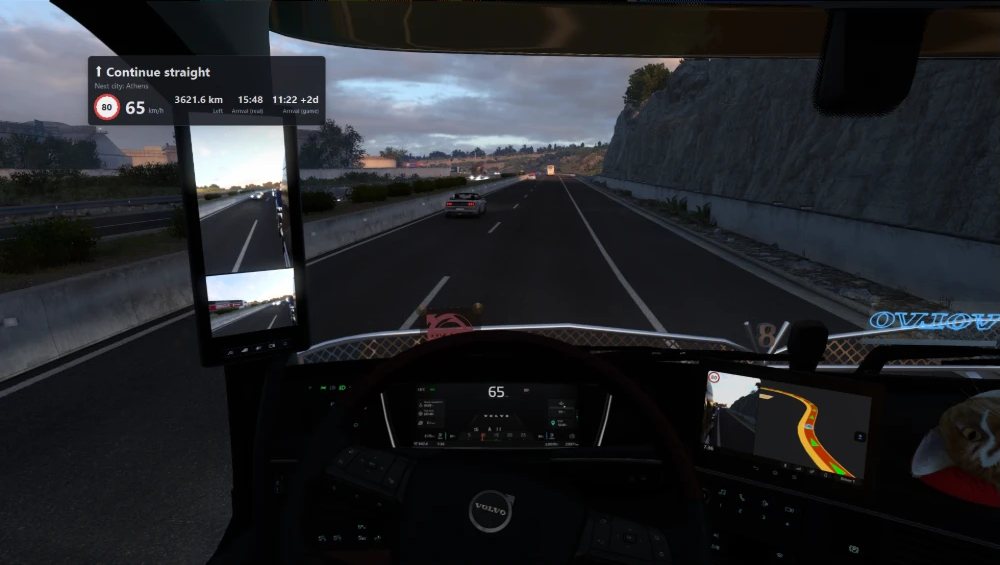
- In-game overlay. On Windows, a small panel right on top of the game with speed and the limit, the next turn, distance left and arrival, in real time and on the game clock. Clicks go through it and it never takes focus from the game.
- Button box. Hazards, beacon, lights, wipers, cruise, camera and more: tap on the phone and the client presses the key you set in the game.
- Spoken directions with natural recorded voices in eight languages, including Latin American Spanish.
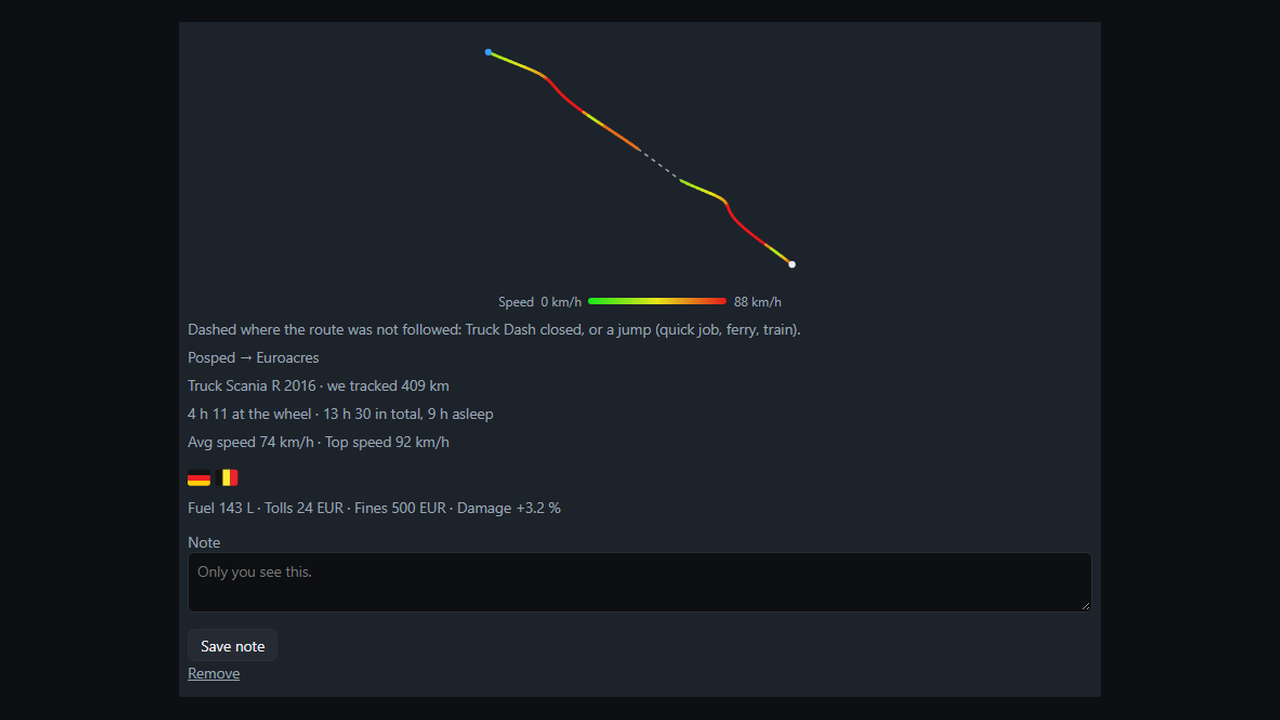
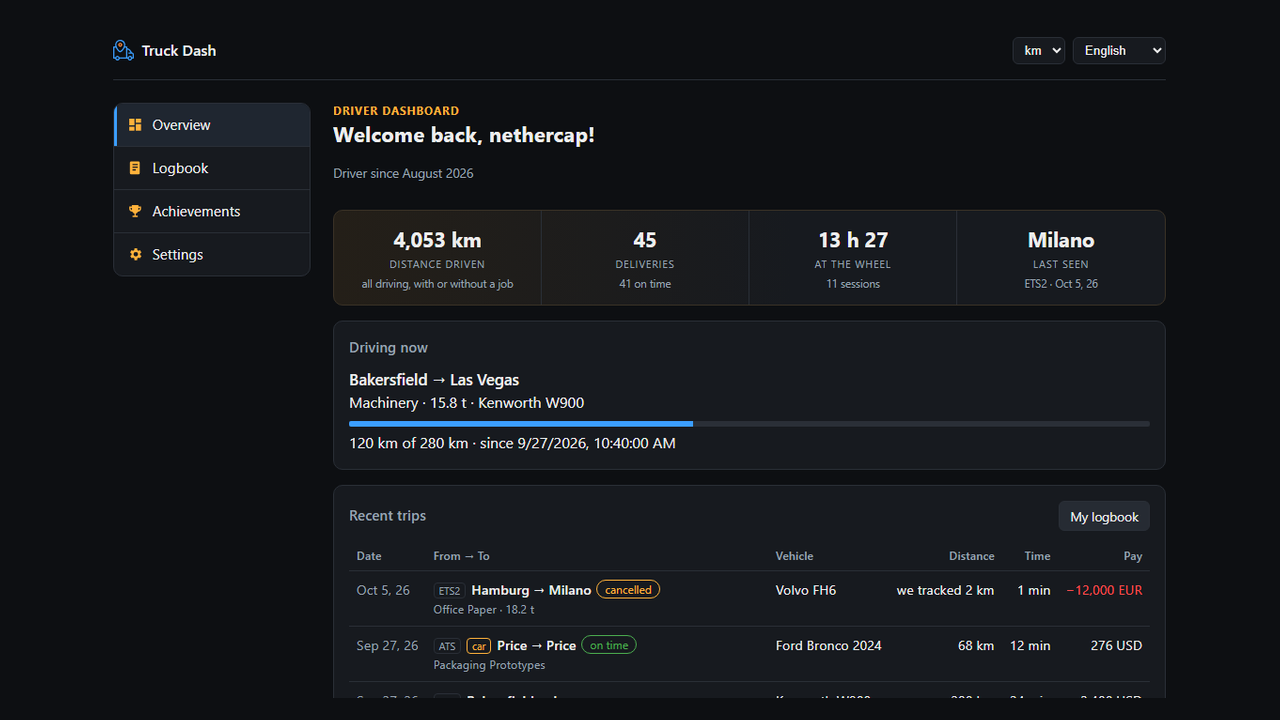
- Trip logbook and stats with an optional free account: every job with its route colored by speed, pay, fuel and times, records, achievements, friends to follow and a public profile if you want one.
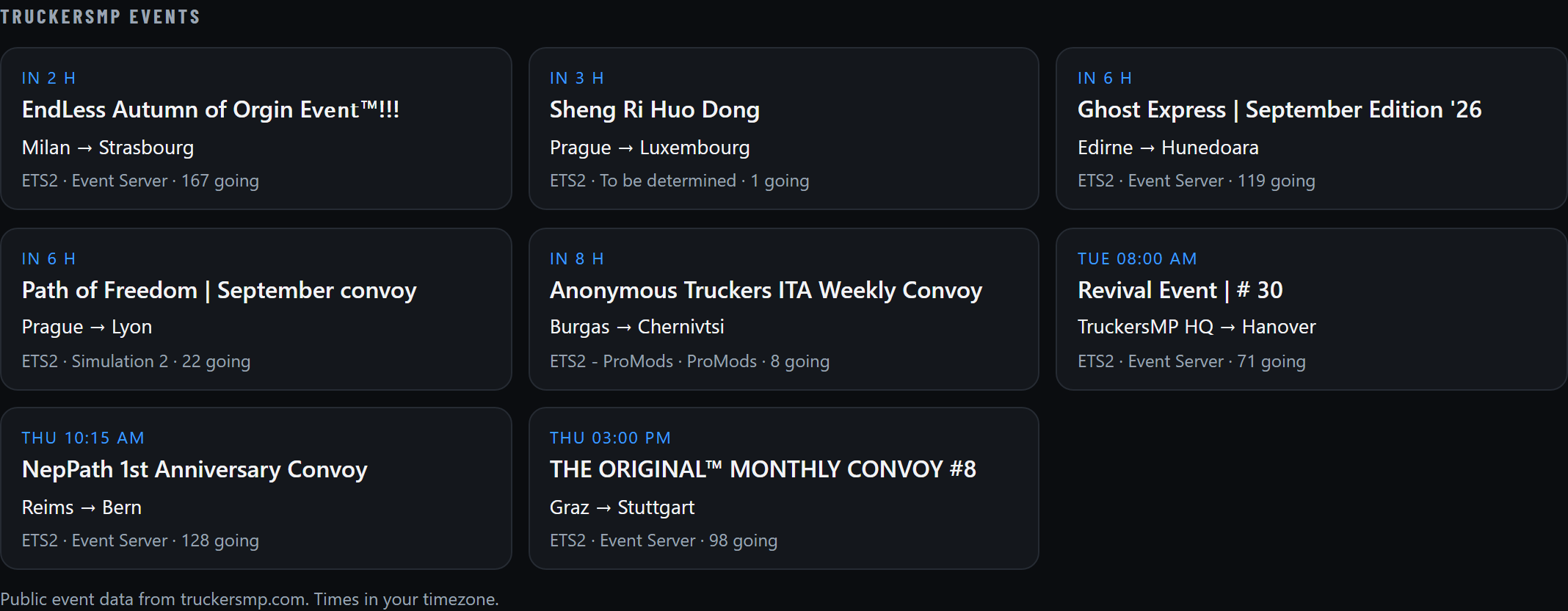
- Live map and convoys. See other drivers moving live with the route they are on, or drive with friends in a convoy without TruckersMP.
- Any screen, anywhere. Phone, tablet or monitor, portrait or landscape, on Wi-Fi or mobile data. Every panel and button can be moved.
Ready-made text
Copy as is or adapt. Each block has its own button.
One line
Truck Dash turns your phone, tablet or second monitor into a GPS and dashboard for Euro Truck Simulator 2 and American Truck Simulator. Free and open source.
Short (about 50 words)
Truck Dash is a free, open-source companion for Euro Truck Simulator 2 and American Truck Simulator. It turns a phone, tablet or second monitor into a real GPS with turn-by-turn directions, a full truck dashboard and a button box. There is nothing to install on the phone, and no account is needed.
Long (about 150 words)
Truck Dash is a free, open-source second screen for Euro Truck Simulator 2 and American Truck Simulator. A small Windows program reads the game's official telemetry, and everything else is a web page you open on whatever screen you have: a phone on the dashboard, a tablet next to the wheel or a spare monitor.
It shows the real road network of both games with routes over real roads, a heading-up GPS mode with spoken directions, and a dashboard that works out whether you will make the deadline and whether the fuel lasts. A button box sends hazards, lights, wipers and cruise to the game from the phone. Routes avoid the map DLCs you don't own. On Windows it can also draw a small overlay with the speed and the next turn right on top of the game.
An optional free account keeps a logbook of every job with its route, stats and achievements. There are no ads, no paid tier and no routing limits. Try it in the browser at trucksim-dash.com.
Una línea
Truck Dash convierte tu celular, tablet o segundo monitor en un GPS y un tablero para Euro Truck Simulator 2 y American Truck Simulator. Gratis y de código abierto.
Corta (unas 50 palabras)
Truck Dash es un acompañante gratis y de código abierto para Euro Truck Simulator 2 y American Truck Simulator. Convierte un celular, una tablet o un segundo monitor en un GPS real con indicaciones giro a giro, un tablero completo del camión y una botonera. No hay que instalar nada en el celular, y no hace falta cuenta.
Larga (unas 150 palabras)
Truck Dash es una segunda pantalla gratis y de código abierto para Euro Truck Simulator 2 y American Truck Simulator. Un programa chico para Windows lee la telemetría oficial del juego, y todo lo demás es una página web que se abre en la pantalla que tengas a mano: el celular en el tablero, una tablet al lado del volante o un monitor que sobra.
Muestra la red de rutas real de los dos juegos con el camino calculado sobre rutas reales, un modo GPS que gira con el camión y te habla, y un tablero que calcula si llegás antes del plazo y si te alcanza el combustible. Una botonera manda balizas, luces, limpiaparabrisas y crucero al juego desde el celular. Las rutas evitan los DLC de mapa que no tenés. En Windows también puede dibujar un recuadro chico con la velocidad y el próximo giro arriba del juego.
Una cuenta gratis y opcional guarda un registro de cada trabajo con su recorrido, estadísticas y logros. No tiene publicidad, ni versión paga, ni límite de rutas. Se prueba en el navegador en trucksim-dash.com.
Ideas for a video or article
- Setup in two minutes: download, the plugin installs itself, type the code on the phone, drive.
- The cockpit build: a phone or old tablet mounted next to the wheel as GPS, and a second phone as the button box.
- A full delivery with the second screen: the panel saying whether you make the deadline, the fuel warning, the voice at each turn.
- Your trucking year in numbers: the logbook and stats after a few weeks of driving.
- No second screen: the overlay on top of the game, with the turn, the limit and the arrival on the game clock against the deadline.
- Convoy night: friends on the same map, each in their own game, following the leader.
Screenshots
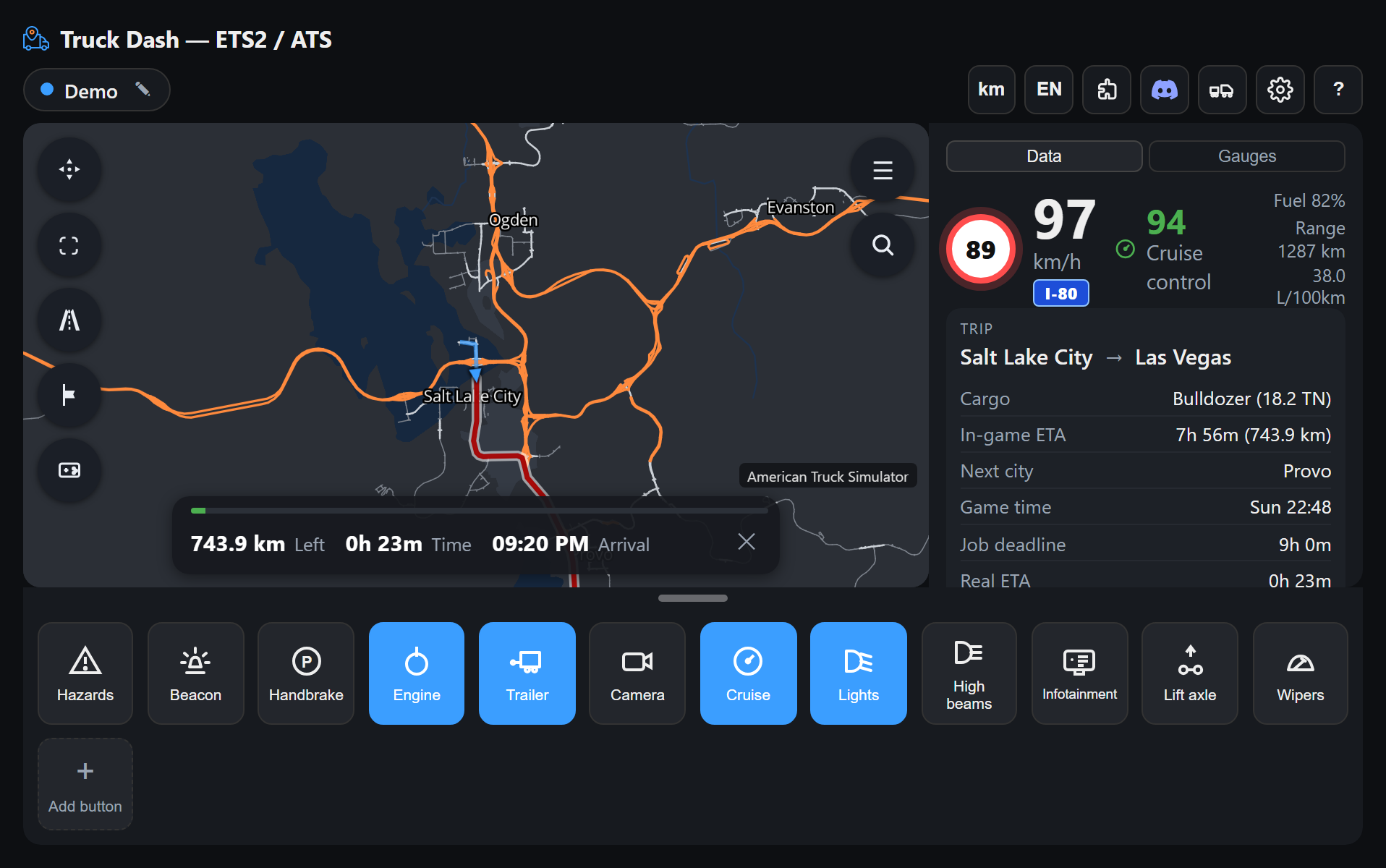
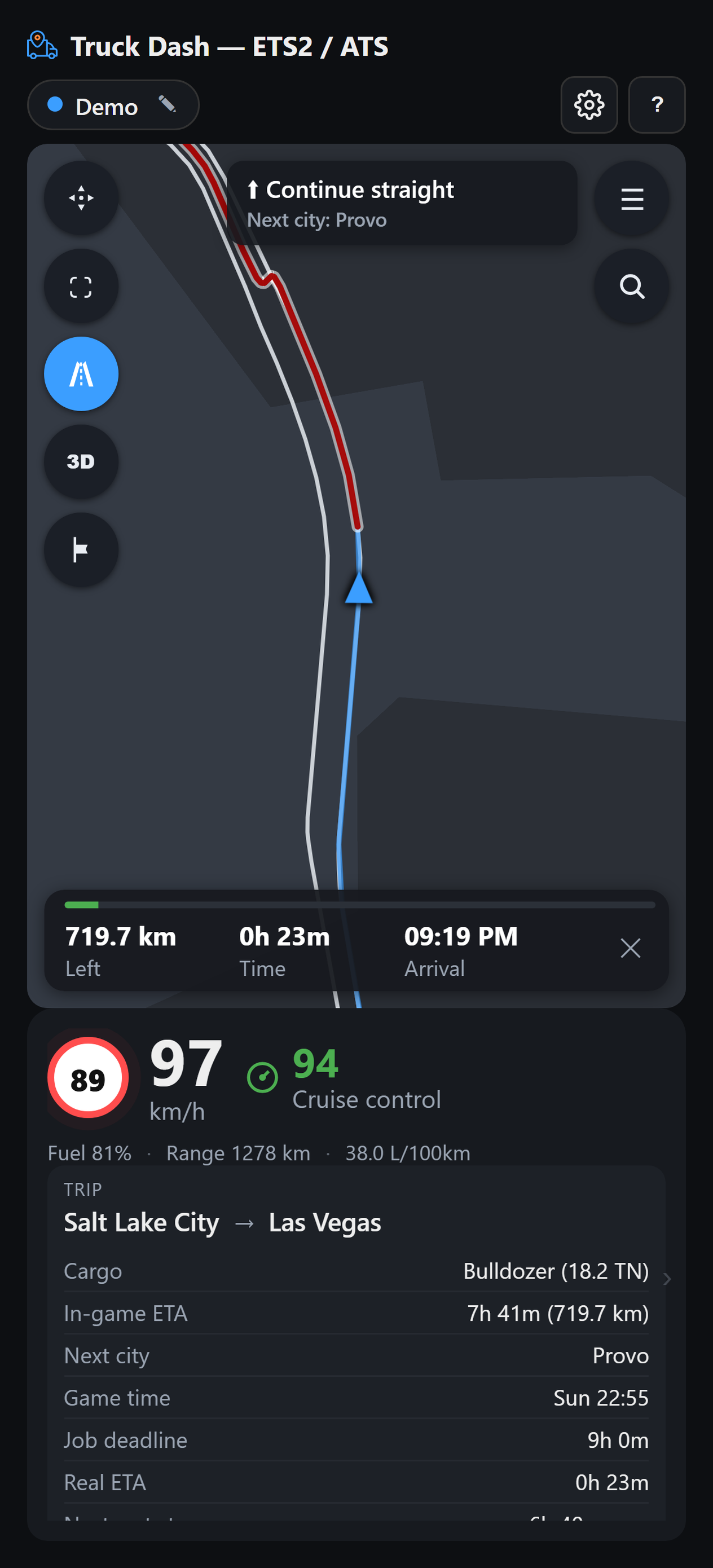
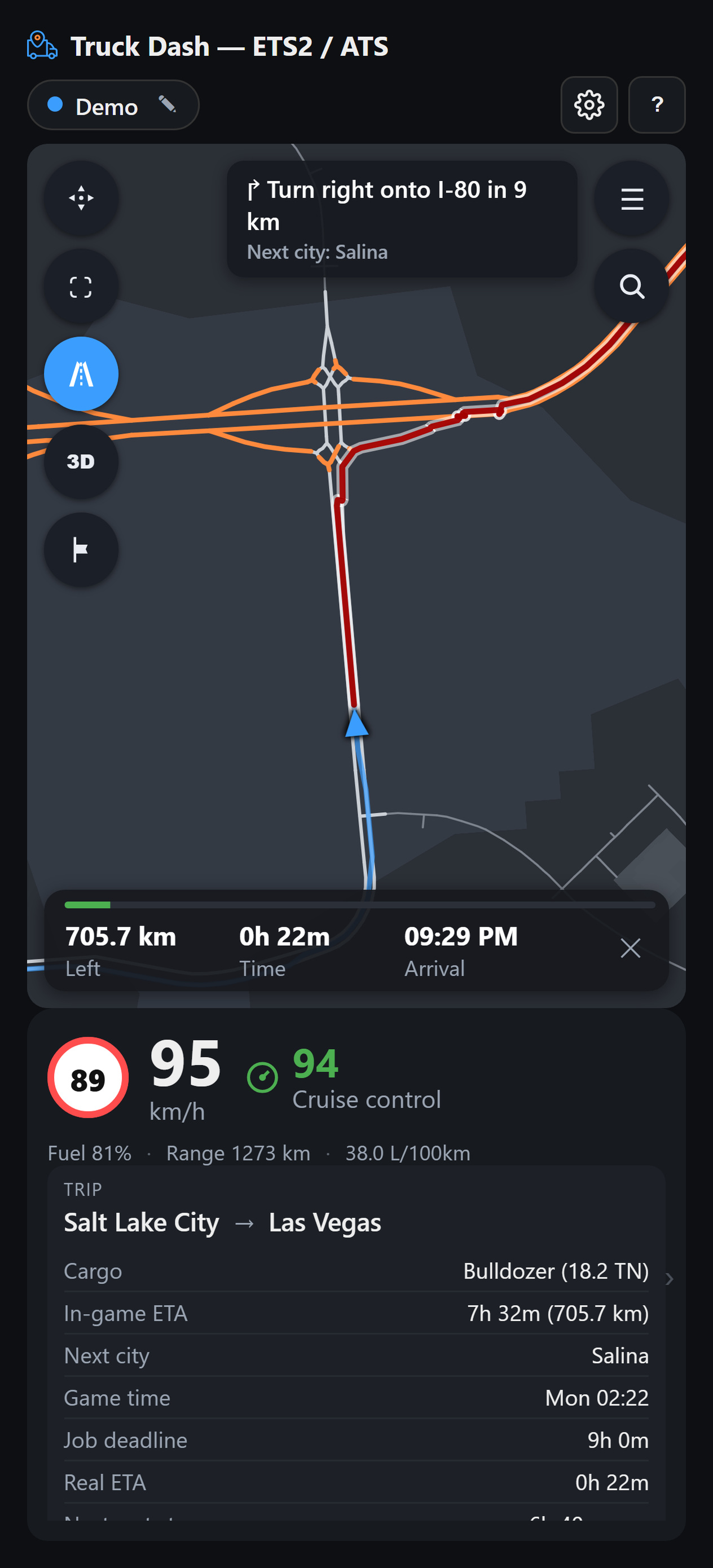
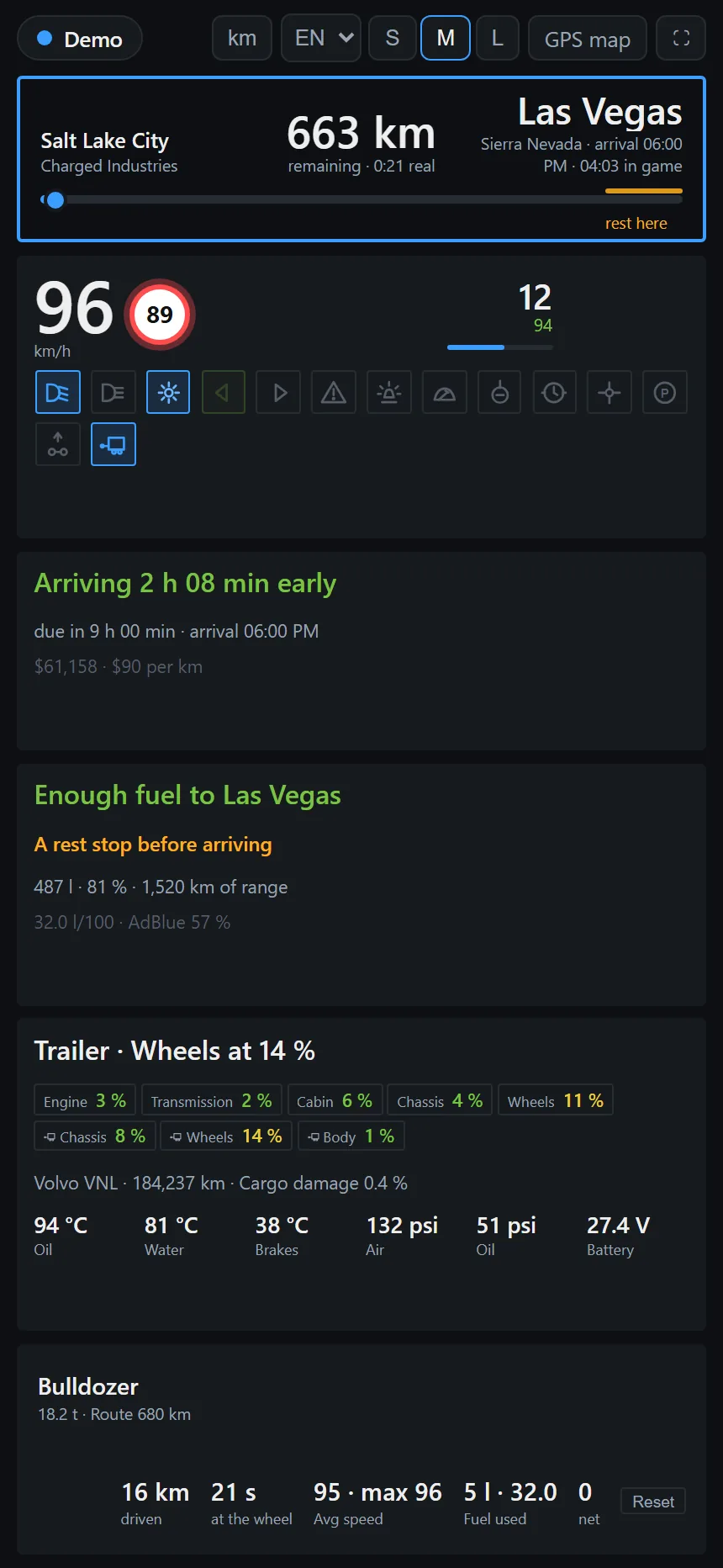
Click a picture for the full-size file. There is also a one-minute video: Truck Dash in 60 seconds (YouTube).

Logo and colors
The PNG files have a transparent background. Banners with the name: 1200×630 and 1280×640.
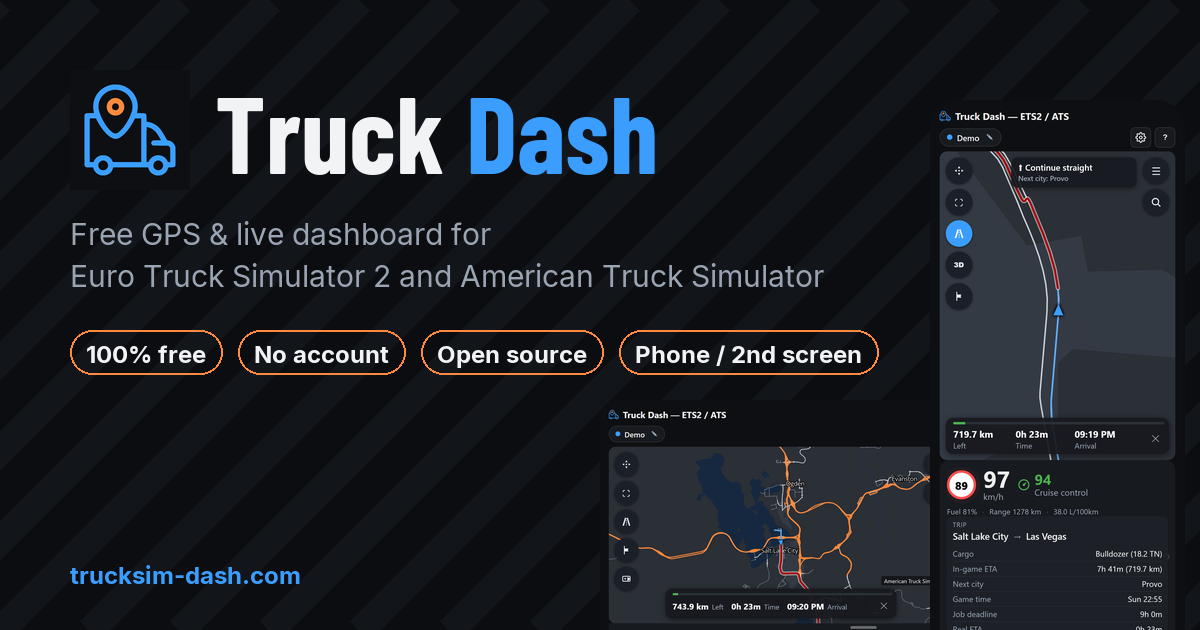
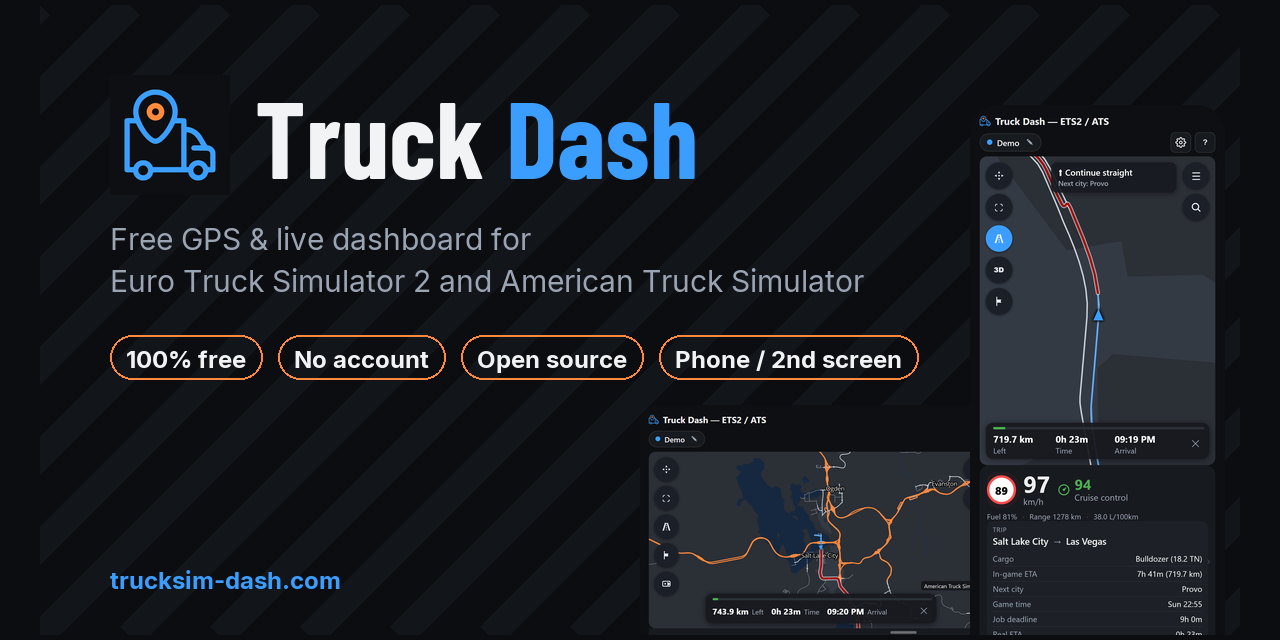
#3b9eff
Orange #ff8a3d
Background #0b0d10
Please keep the logo's proportions and colors, and write the name as Truck Dash.
Contact
Questions, interviews or a build to test something specific: nether.appdev@gmail.com, or on Discord. Bugs and feature requests go to GitHub issues.